
WebSearch Fallback
Third-party profiles cannot use Anthropic’s native WebSearch. CCS provides automatic web search via CLI tools with intelligent fallback.Overview
CCS intercepts WebSearch requests from Claude Code and routes them through available CLI tools.- Dark Theme
- Light Theme
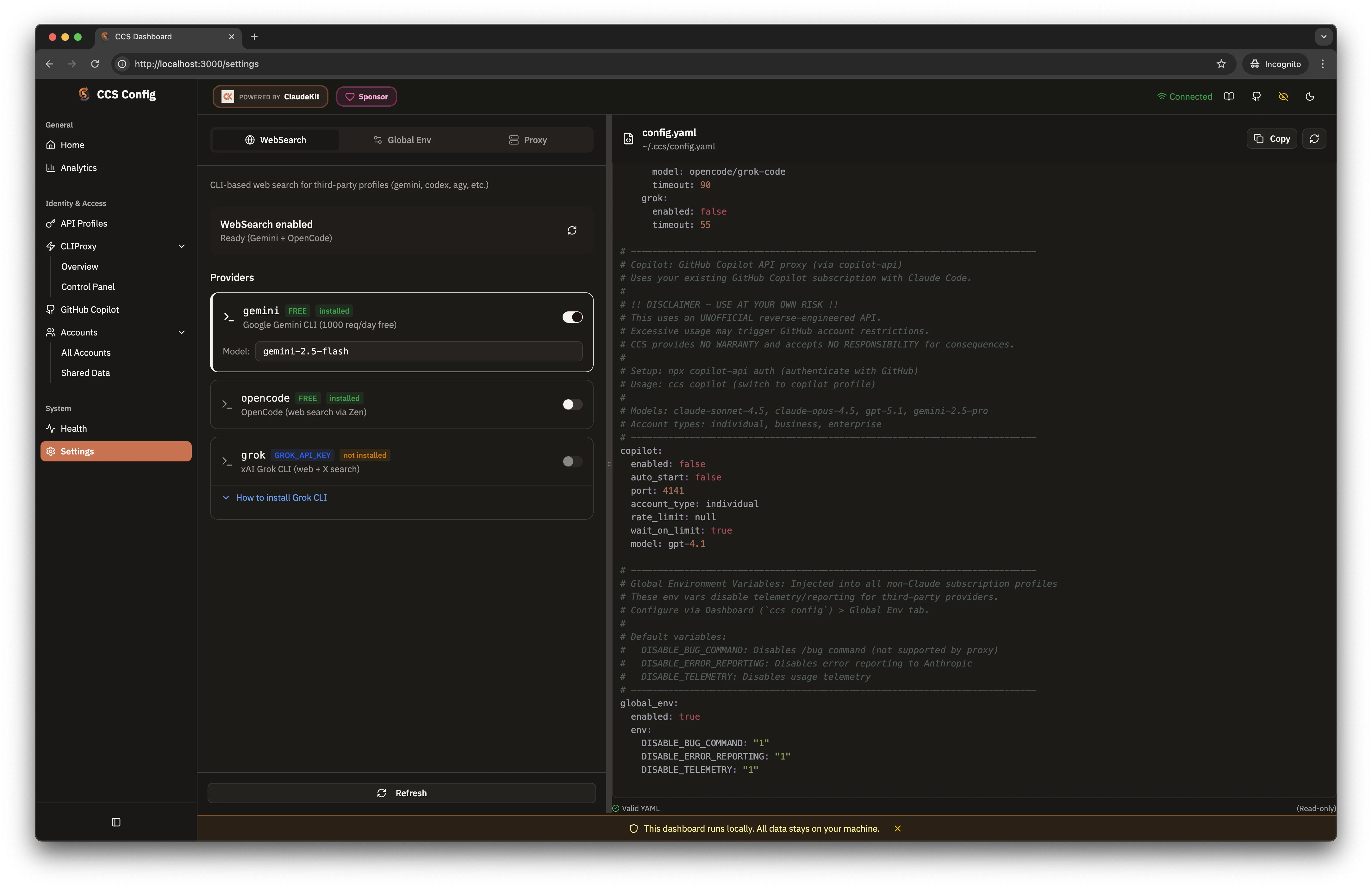
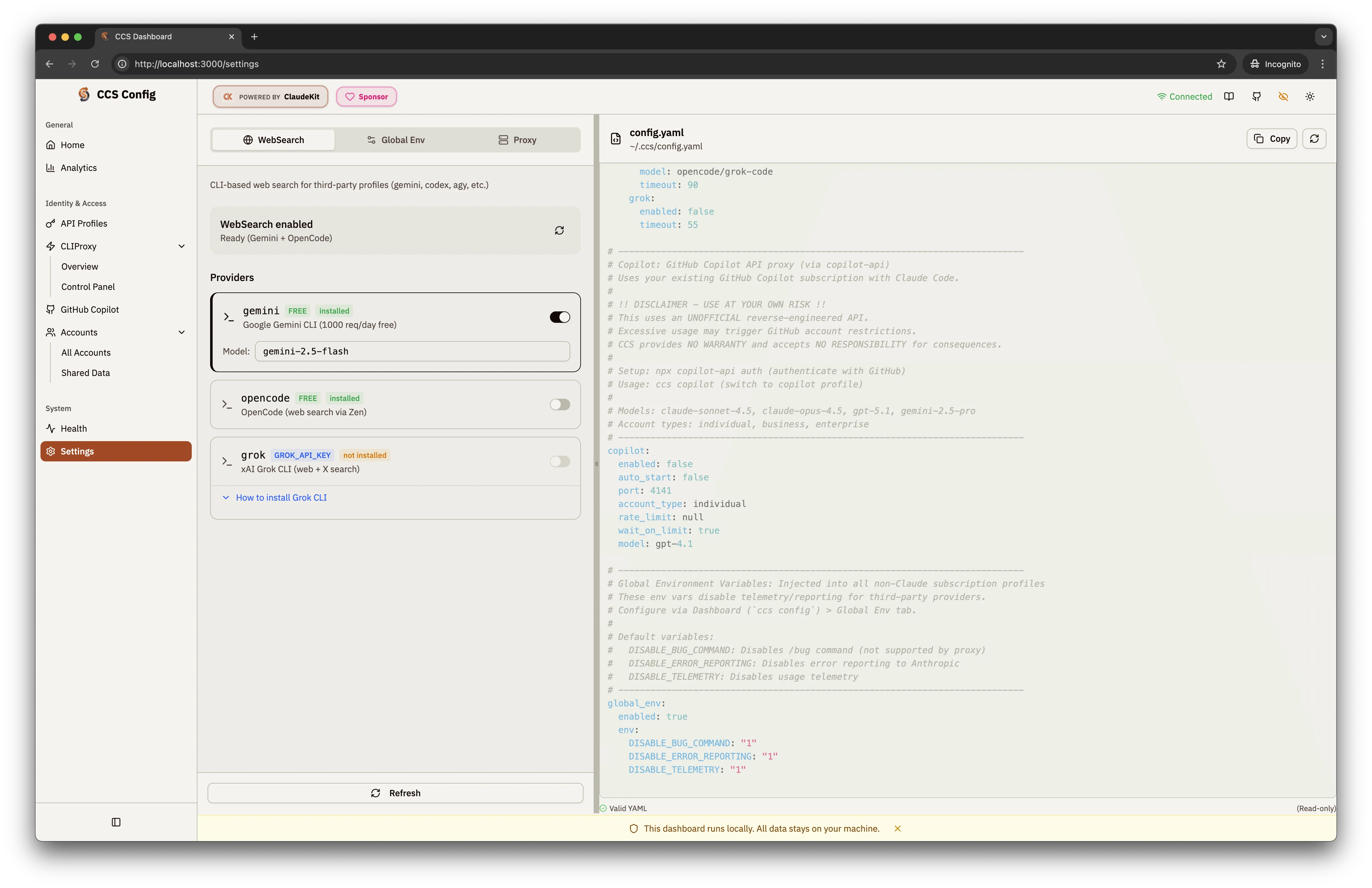
How It Works
| Profile Type | WebSearch Method |
|---|---|
| Claude (native) | Anthropic WebSearch API |
| Third-party profiles | CLI Tool Fallback Chain |
Fallback Chain
CCS tries tools in priority order until one succeeds:| Priority | Tool | Auth | Install |
|---|---|---|---|
| 1st | Gemini CLI | OAuth (free) | npm install -g @google/gemini-cli |
| 2nd | OpenCode | OAuth (free) | curl -fsSL https://opencode.ai/install | bash |
| 3rd | Grok CLI | API Key | npm install -g @vibe-kit/grok-cli |
Configuration
Configure via dashboard (Settings page) or~/.ccs/config.yaml:
Setup
Provider Details
Gemini CLI (Recommended)
Gemini CLI (Recommended)
- Auth: Free Google OAuth
- Limit: 1000 requests/day
- Quality: Excellent search relevance
- Setup:
geminito authenticate via browser
OpenCode
OpenCode
- Auth: Free OAuth
- Limit: Varies
- Quality: Good for code-related searches
- Setup: Follow installer prompts
Grok CLI
Grok CLI
- Auth: Requires
XAI_API_KEY - Limit: Based on API plan
- Quality: Real-time web access
- Setup: Set env var and install
Troubleshooting
Search not working
Search not working
Verify CLI tools are installed:
Auth errors
Auth errors
Re-authenticate the failing tool:
Slow responses
Slow responses
Switch to a faster fallback: