
Product Tour
This page mirrors the current routed CCS dashboard inccs/cli dev. The
route names below match the live UI; the screenshots are representative
workspace surfaces from the same dashboard family.
Current Dashboard Shape
There is also an on-demand Updates Center at
/updates, but it stays out of
the main sidebar on purpose.
Representative Workspaces
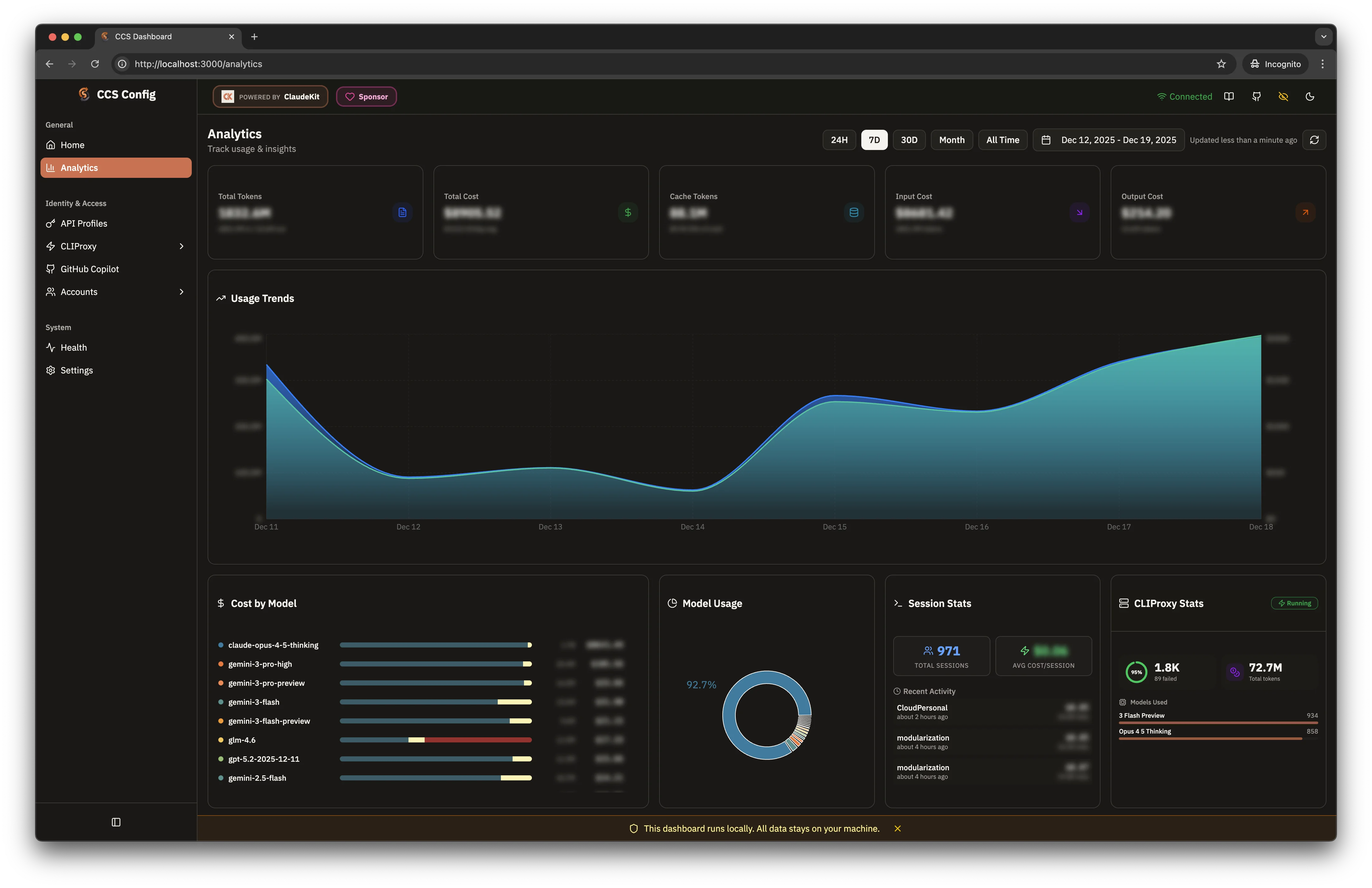
Usage Analytics
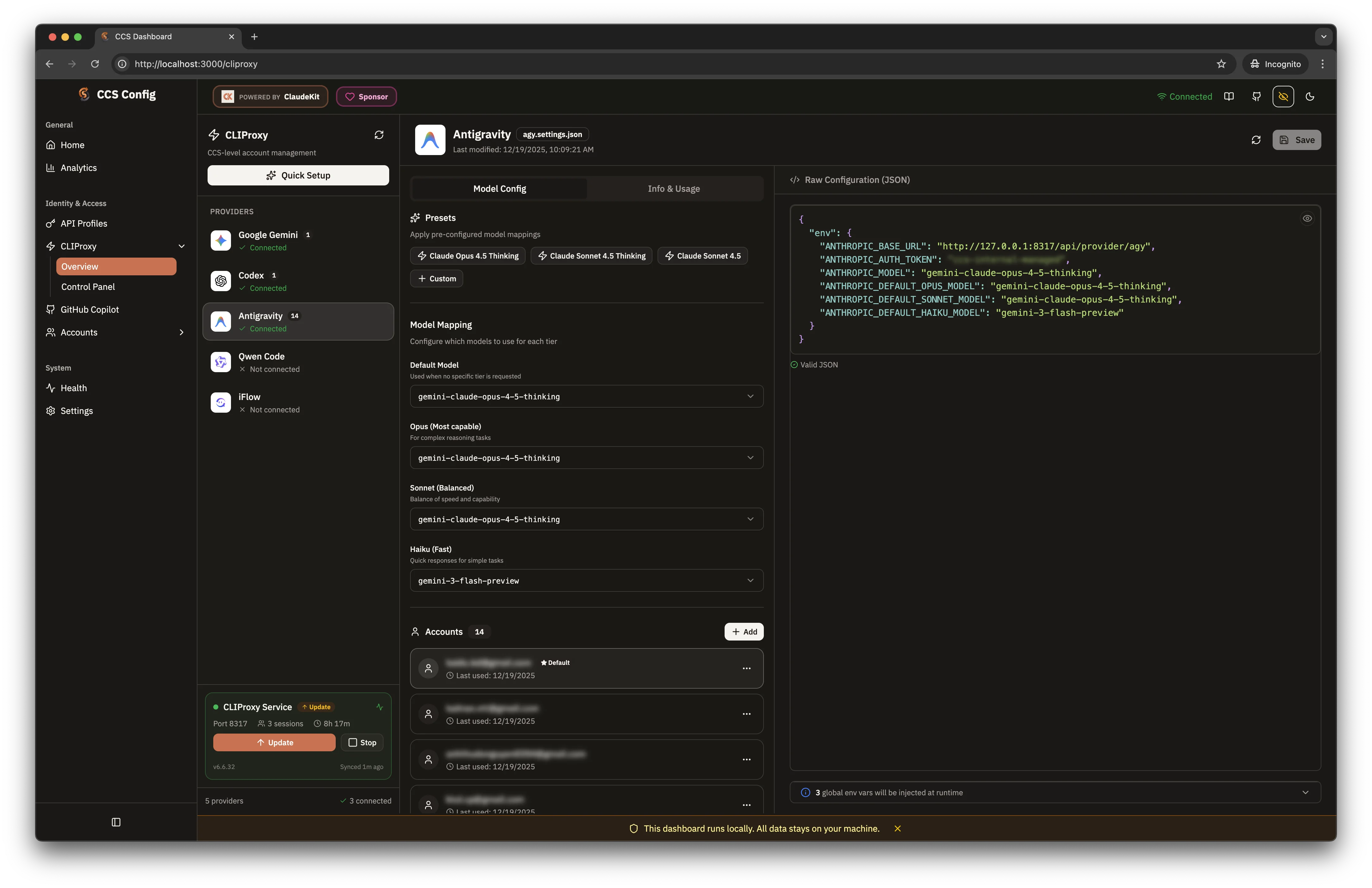
CLIProxy Overview
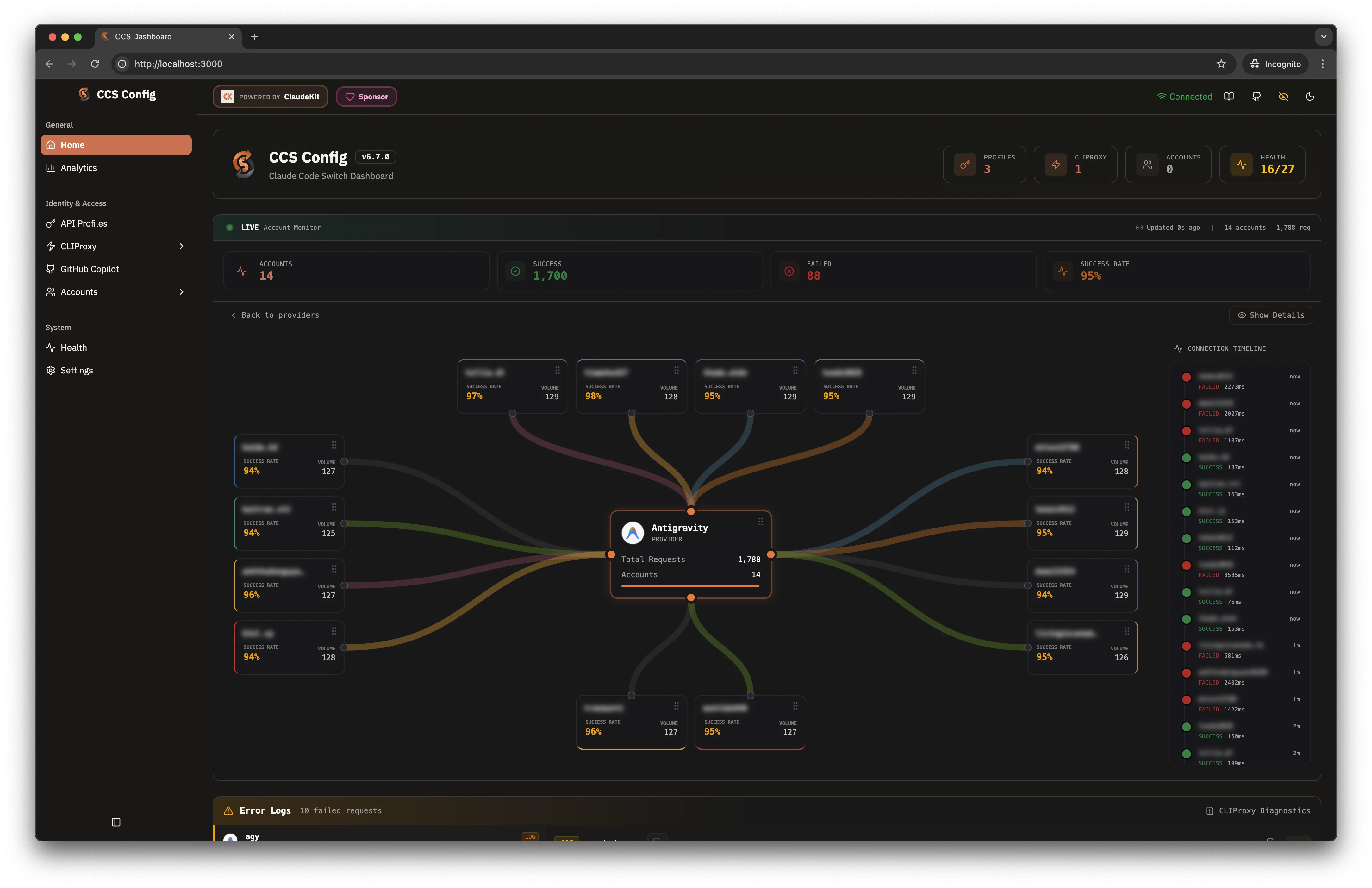
Live Account Monitor
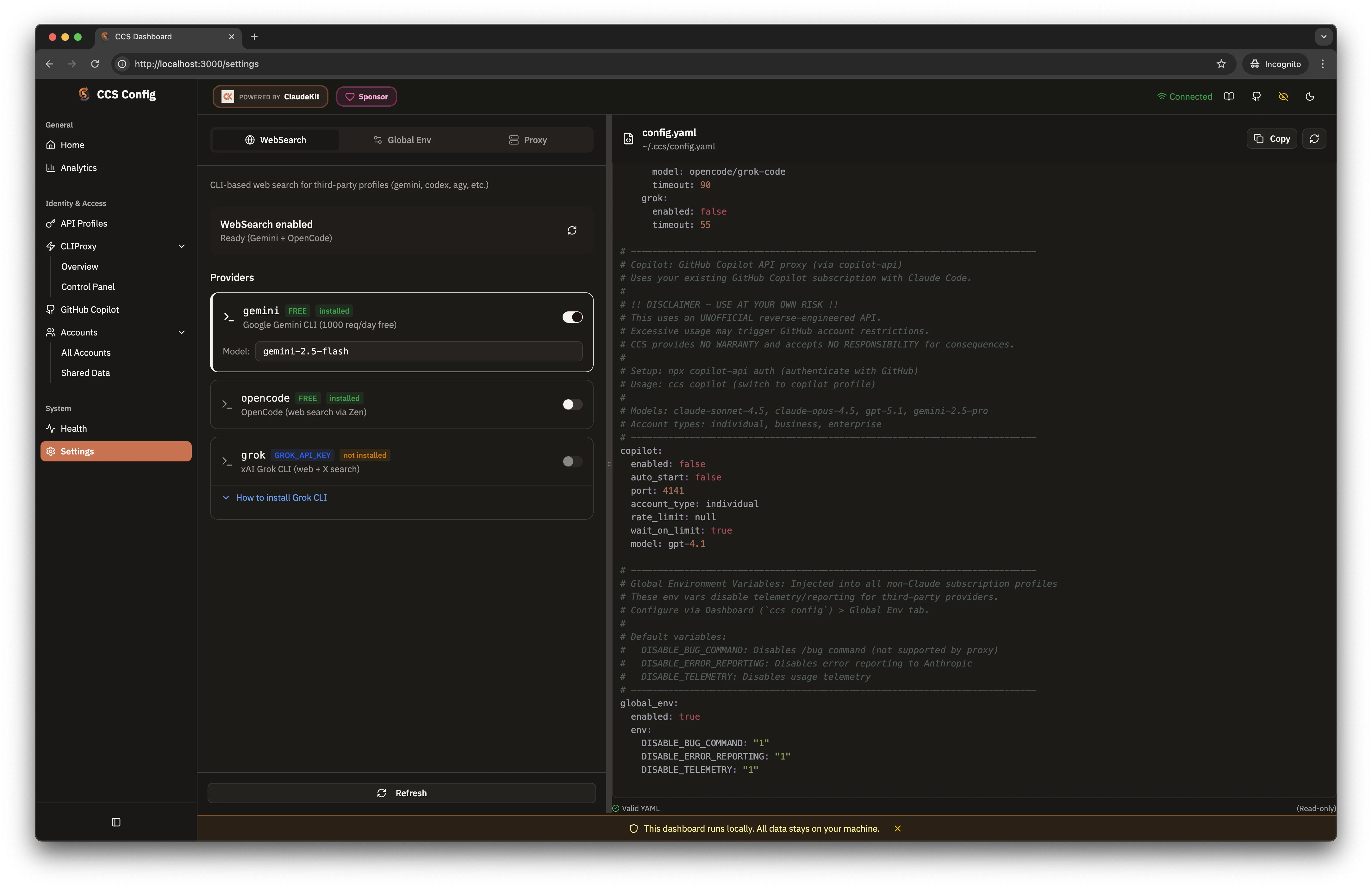
Global Tooling Settings
Newer Workspace Surfaces In The Current UI
The current dashboard is broader than the older screenshots imply:- Accounts is now a dedicated continuity workspace for
ccs authprofiles - Shared Data is a separate browser for commands, skills, and agents
- GitHub Copilot is deprecated compatibility and now lives under Deprecated
- Cursor provider auth now lives under CLIProxy, while the older Cursor IDE bridge is deprecated compatibility
- Codex CLI has its own control center with overview, structured controls, and docs tabs
- Claude Extension has reusable IDE bindings and file-state verification
- Factory Droid has a dedicated diagnostics and BYOK surface
- AI Providers breaks out API-key and connector routes inside CLIProxy
- Logs is a dedicated operations workspace instead of a home-page panel